

Hero image 0 of Cnc Engraving Machine Control Board Grbl Controller Cnc 3018 - Control Board - A
Popular pick
Cnc Engraving Machine Control Board Grbl Controller Cnc 3018 - Control Board - A
About this item
SD card capacity 4G could be recognized. Cnc Engraving Machine Control Board Grbl Controller Cnc 3018 - Control Board - A support more powerful spindle. 7.Improved USB interface: The original USB interface is patch soldering, transport collision and improper use, easy to drop, now changed to plug-in, very strong; 8.The spindle drive increases the optocoupler isolation, which makes the control board generate less heat, and the spindle speed adjustment is more linear and safer. 9.Add emergency stop button port,probe port and XYZ limit port. (Any stepper motor Nema17,Nema23);③spindle motor: 24VDC Spindle PWM speed (0%-100%),and 3-pin PWM/TTL signal control module 【Support Software】Support GRBL Contol/Candle(3 axis);Laser Grbl;Support System:Windows XP/7/8/10;Support Laser:12V 5Amax Advantages of Upgraded Version 1.Add the outer casing: protect control board in transit,to avoid short circuit problem during use; 2.Add the power button switch; 3.Cancel the drive module,use integrated imported stepper motor drive,with short circuit protection,and integrated heat dissipation aluminum alloy; 4.Add the fan port to force heat dissipation; 5.Add offline recognition,can insert offline modules and computers at the same time. 【Adapted Motor】① XYZ three-axis control, spindle motot;②stepper motor: 12V, maximum current of 2A or less is recommended within 1.5A and additional heat. Input voltage:24VDC (only support 24VDC input) 1 x GRBL Offline Hand Controller with SD cardGRBL 1.1 Control Board Description Connection:USB (USB-CH340) Control software:GRBL control (candle), UniversalGcodeSender 3 Axis GRBL Control Board USB Port CNC Router Controller Board grbl 1.1f with GRBL Offline Controller Remote Hand Control for CNC Engraver Engraving Milling YIDOFENG CNC Engraving Machine Control Board,Engraver CNC Support stepper motor:Support 12V, maximum current of 2A or less,recommended within 1.5A and additional heat. Master chip:atmel 328P (arduino nano) This CNC 3018 Pro oneu2011piece GRBL 1.1f control board integrates three stepper motor drivers and a MOSFET spindle/laser driver. It connects over USB (CH340) to any Gu2011code sender or LaserGRBL/UGS Advantages of 3 Axis CNC GRBL Offline Controller 1.Support SD card and TF card at the same time, standard capacity 1G. 2.With this offline controller module, you can directly control the CNC router without connecting it to your computer. 3.After inserting the file into the SD card,the engraving file can be directly identified. Offline will automatically identify if there is computer control. 6.Enhanced spindle drive,can support 20000rpm spindle. Press SPIN : Spindle on (Laser on ), Spindle off (laser off) Press SMOD: return Press Z+ for 5 seconds , change the Language to English. 1.Support SD card and TF card at the same time, standard capacity 1G. 2.With this offline controller module, you can directly control the CNC router without connecting it to your computer. 3.After inserting the file into the SD card,the engraving file can be directly identified Press [Y+] [Y-] to select file Press [Ok] to Enter Press [Ok] to begin if you are ready Note:Long press [Exit] to stop machining 【Package Include 】GRBL 1.1F 3 Axis Control Board V3.4+Offline Controller,Input voltage: 12-24VDC (recommend 24VDC) Press Y+ and Y- , the Y axis will move Front and Back. Offline Control support SD card and tf card at the same time, standard capacity 1G, (notebooks generally have SD card interface, copy files are very convenient) How to decrease the spindle: After pressing the spindle button, press and hold the OK button and the Z- button simultaneously to decrease the speed.1.Main Page Ctrl: Machine Control; File: Use the Gcode file; Press [Y+] [Y-] to select; Press[Ok] to Enter 2.Control Page X± Y± Z±: Moving Axis OK/Spindle: Spindle ON/OFF Exit/Step: Change Step/Exit (long press) How to increase the spindle power: After pressing the spindle button, press and hold the OK button and the Z+ button simultaneously to increase the speed. Press [Y+] [Y-] to select file Press [Ok] to Enter Press [Ok] to begin if you are ready Note:Long press [Exit] to stop machining X± Y± Z±: Moving Axis OK/Spindle: Spindle ON/OFF Exit/Step: Change Step/Exit (long press) How to increase the spindle power: After pressing the spindle button, press and hold the OK button and the Z+ button simultaneously to increase the speed. How to decrease the spindle: After pressing the spindle button, press and hold the OK button and the Z- button simultaneously to decrease the speed. 3.File Page Common supported formats include nc. tex. tap.
USD$ 56
 Free 30-day returns
Price when purchased online
- Free shipping
- Free 30-day returns
How do you want your item?
You get 30 days free! Choose a plan at checkout.
Sold and shipped by gamaair.com
 Free 30-day returns
Similar items you might like
Based on what customers bought
Bridgeport Milling Machine Head Types At Agnes Hendricks Blog
 Bridgeport Milling Machine Head Types At Agnes Hendricks Blog$ 34
VEVOR Rotary Table 8 Inch/200 MM Horizontal Vertical Rotary Table 3-Slot Rotary Table For
 VEVOR Rotary Table 8 Inch/200 MM Horizontal Vertical Rotary Table 3-Slot Rotary Table For$ 90
Accusize Industrial Tools 6pcs/Set H.S.S. Fully Ground Drill Set
 Accusize Industrial Tools 6pcs/Set H.S.S. Fully Ground Drill Set$ 19
Variable Frequency Drive AC Motor Drives | Farnell
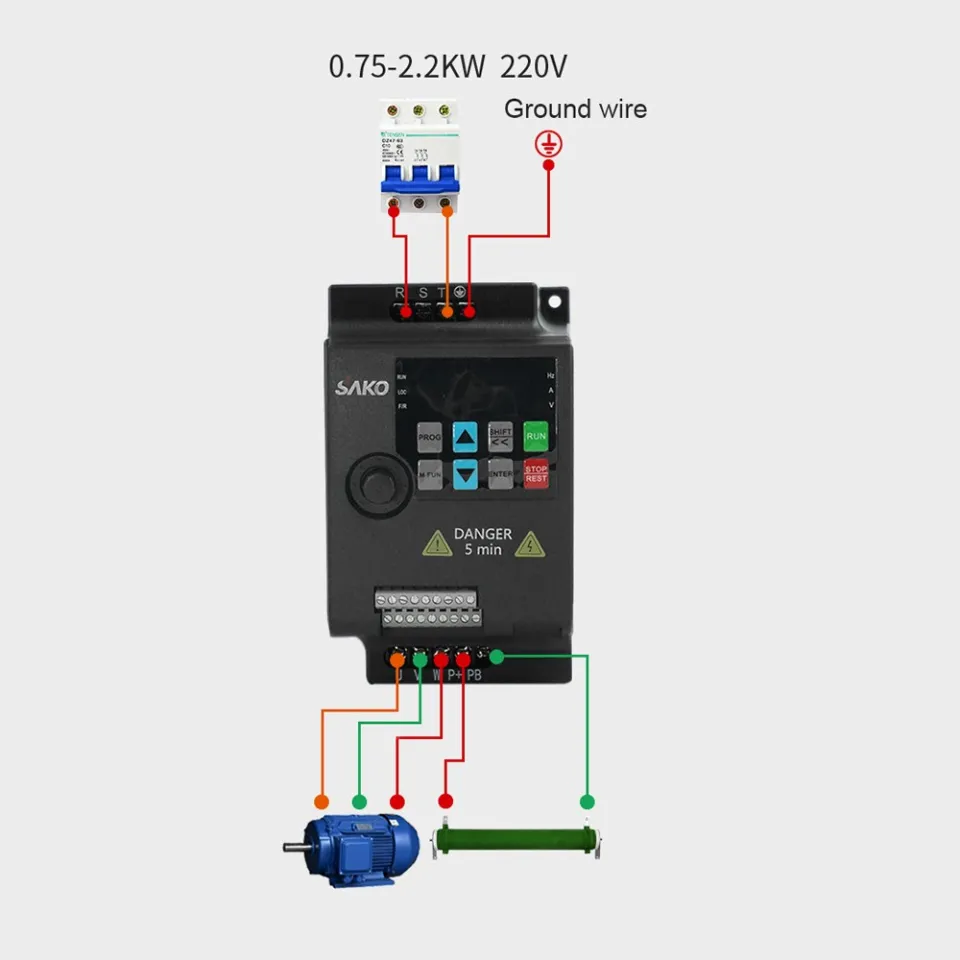 Variable Frequency Drive AC Motor Drives | Farnell$ 106
RATTMMOTOR 0.8KW Spindle Milling Motor Kit, 800W 220VCNC Air Cooled Spindle Motor 24000RP 65mm ER11+1.5KW 220V VFD Drive Inverter For CNC Router Milling Machine
 RATTMMOTOR 0.8KW Spindle Milling Motor Kit, 800W 220VCNC Air Cooled Spindle Motor 24000RP 65mm ER11+1.5KW 220V VFD Drive Inverter For CNC Router Milling Machine$ 214
Offline Controller Module For CNC Router Masuter Pro & Masuter 3
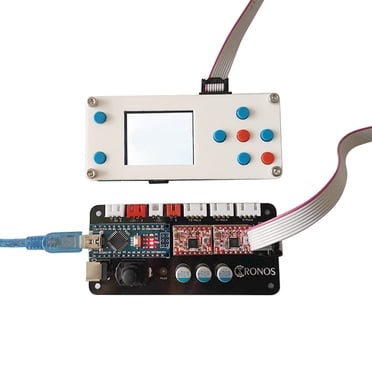 Offline Controller Module For CNC Router Masuter Pro & Masuter 3$ 26
Customers also considered
Corolle 14" Baby Doll Outfit - Loire Riverside Jamaica
 Corolle 14" Baby Doll Outfit - Loire Riverside Jamaica$ 32
Ribbed Tank Tops For Women Built In Bra Racerback Summer Shelf Bra Cami High Neck Yoga Shirts Sleeveless Workout Tops Sports Padded Camisole Casual Undershirt 2025 Black At Women's Clothing Store
 Ribbed Tank Tops For Women Built In Bra Racerback Summer Shelf Bra Cami High Neck Yoga Shirts Sleeveless Workout Tops Sports Padded Camisole Casual Undershirt 2025 Black At Women's Clothing Store$ 31
Sleeveless Denim Jumpsuit - Urban Planet, Jumpsuit Jeans
 Sleeveless Denim Jumpsuit - Urban Planet, Jumpsuit Jeans$ 36
Popcorn Bags Movie Night Popcorn Bags For Party Stripe Cookie Snacks Container Twist Ties Graduation Carnival Summerween Birthday Party Supplies Black 40
 Popcorn Bags Movie Night Popcorn Bags For Party Stripe Cookie Snacks Container Twist Ties Graduation Carnival Summerween Birthday Party Supplies Black 40$ 15
3 Pack Wooden Trivets For Hot Pots,Wooden Tree Coasters
 3 Pack Wooden Trivets For Hot Pots,Wooden Tree Coasters$ 9
Super Lube 51010 Precision Oiler (Oil With PFTE), 7ml
 Super Lube 51010 Precision Oiler (Oil With PFTE), 7ml$ 6
2Pcs Metal Wall Art Olive Branch Leaf Hanging Wall Sculpture Home Decor U25cf U0aa6
 2Pcs Metal Wall Art Olive Branch Leaf Hanging Wall Sculpture Home Decor U25cf U0aa6$ 11
Jizyo Kids Girls Sequins Mock Neck Ballet Dance Leotard Gymnastic Athletic Unitard Biketard Bodysuit Hot Pink 14
 Jizyo Kids Girls Sequins Mock Neck Ballet Dance Leotard Gymnastic Athletic Unitard Biketard Bodysuit Hot Pink 14$ 4.39
Customer ratings & reviews
How item rating is calculated
Filtered and sorted results would be available on the new 'Customer ratings & reviews' page.